
One new tab page per place
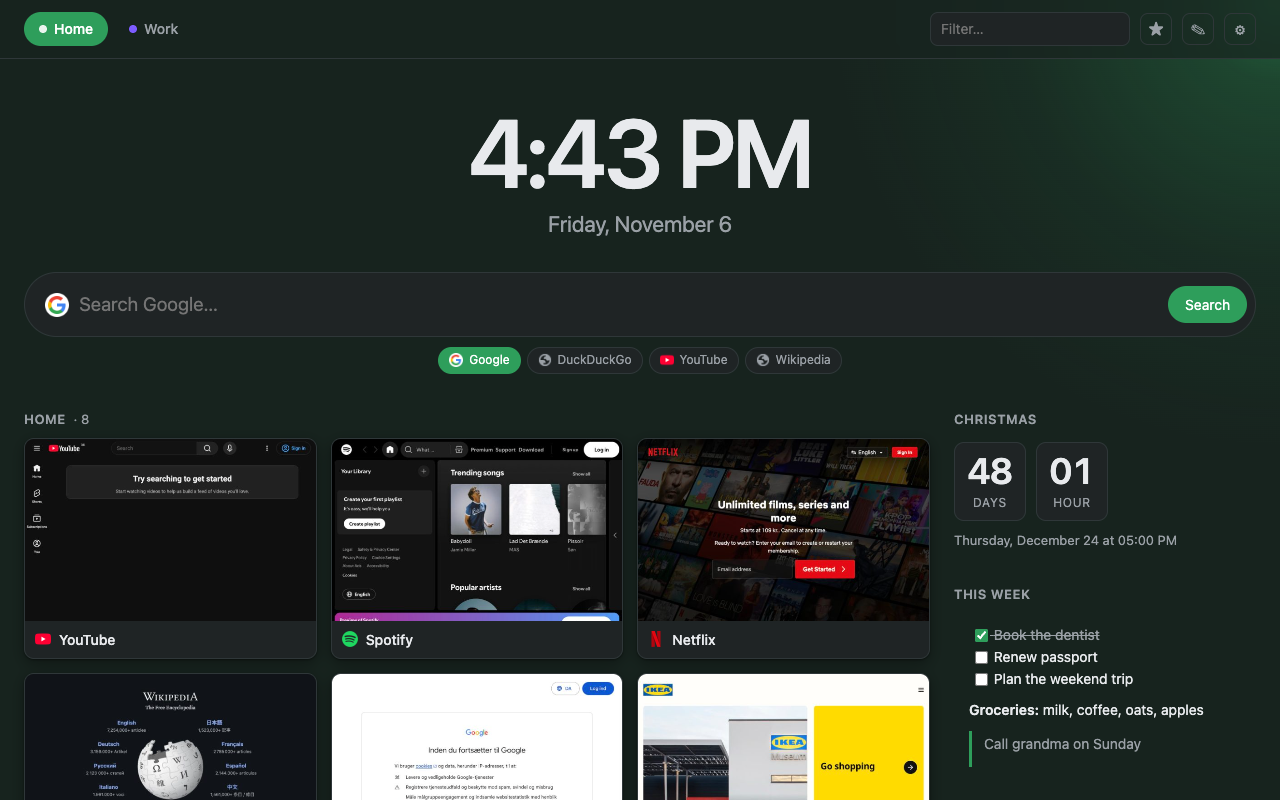
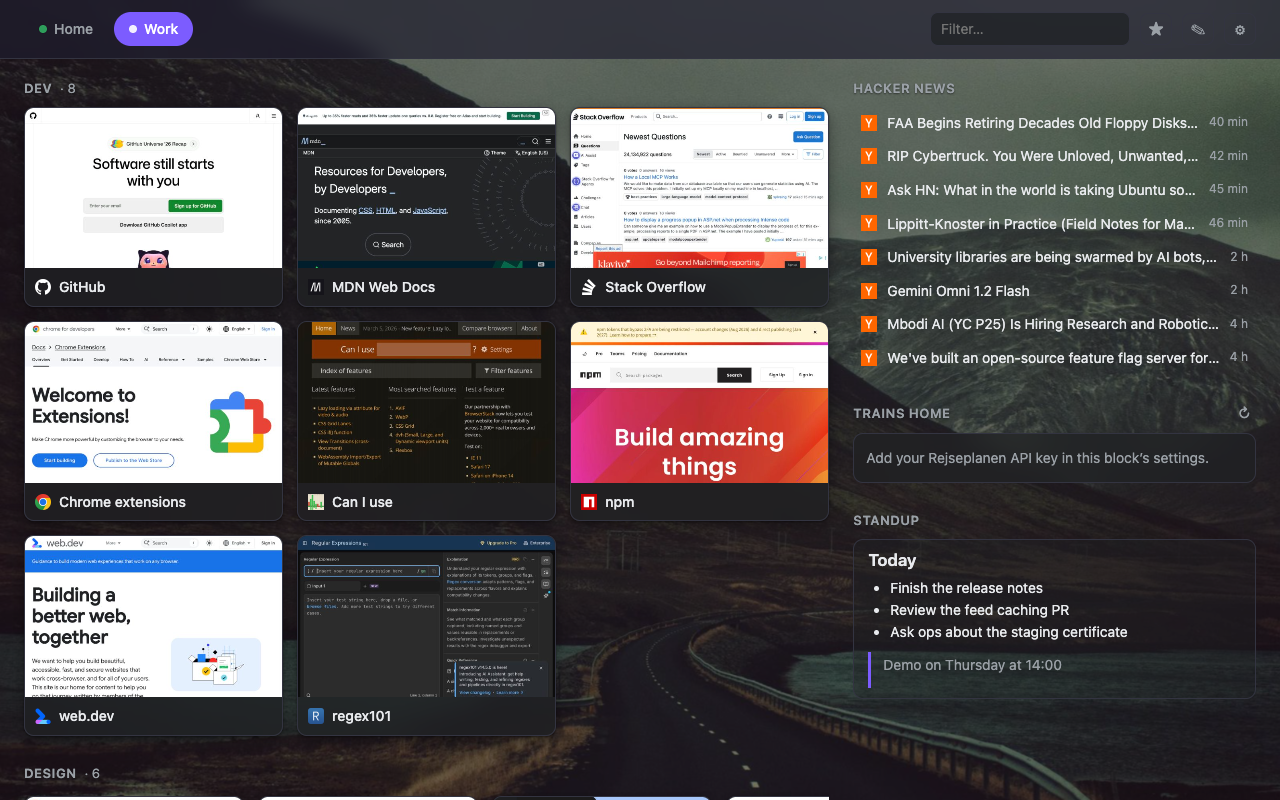
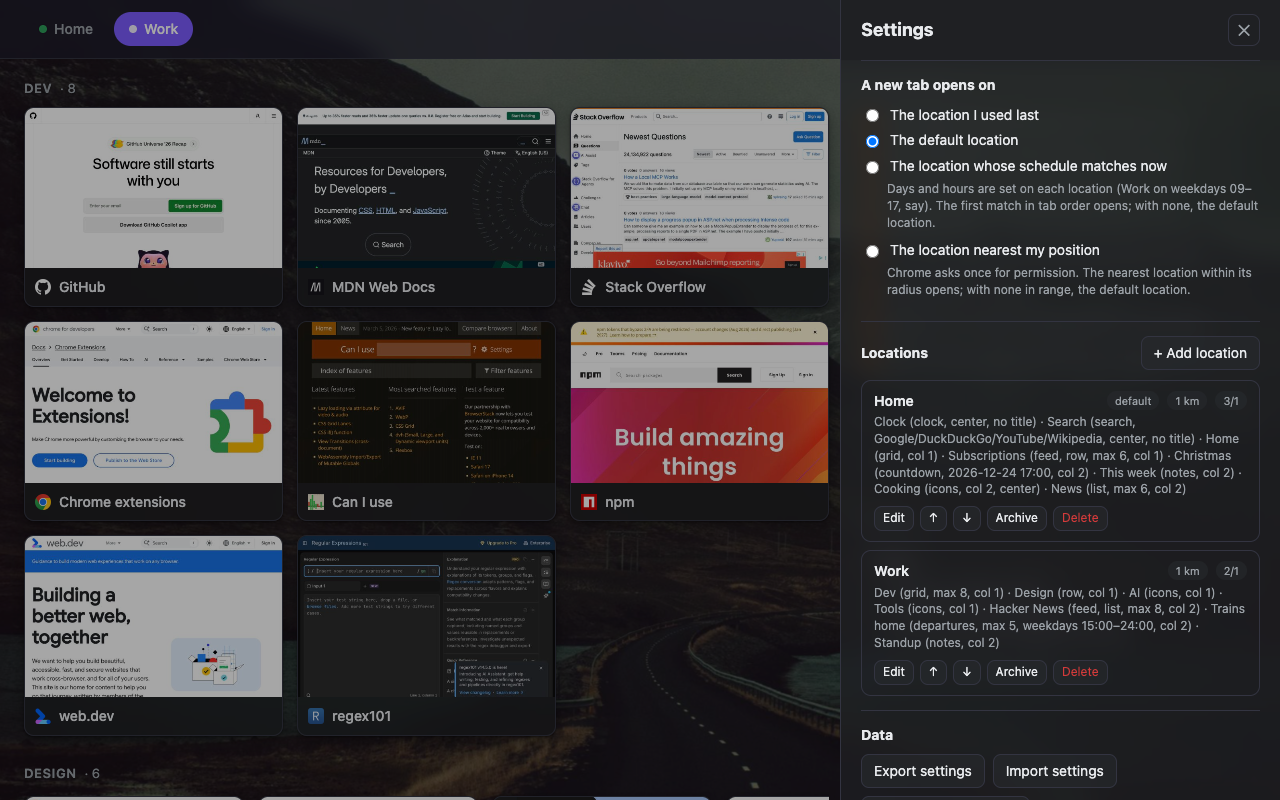
Define locations such as Home and Work, each with coordinates and a radius. When you open a new tab, HomeTab shows the location you are at, otherwise your default. Switch any time with the tabs at the top, or turn position detection off and pick by hand.
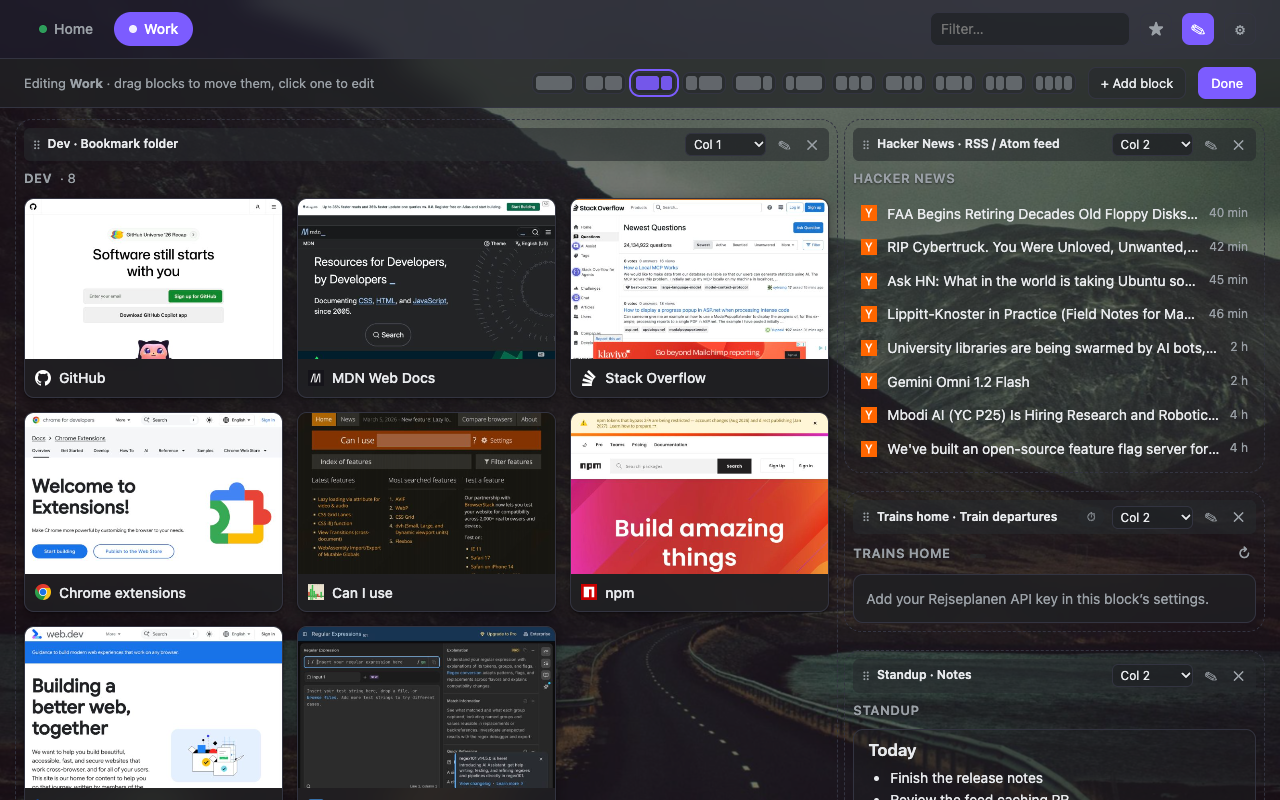
Blocks you arrange in columns
- Bookmark folders as grid cards with thumbnails or large icons, scrolling rows, compact lists or icons only, with subfolders as sections.
- Most visited, recent history, recently closed tabs and tabs from your other devices. Each asks for its permission only when you add it.
- Notes in Markdown, edited in place, with task lists.
- Web search with switchable engines: Google, DuckDuckGo, Bing, Kagi, Ecosia, Startpage, YouTube, Wikipedia or your own.
- RSS and Atom feeds, YouTube channels included, merged and sorted, shown from cache while they refresh.
- Train departures from Rejseplanen for Denmark.
- A clock with the weekday and date in your language, for any time zone.
- A countdown to a date and time, which counts the time since once it has passed.
- Any web page, embedded.
- Schedules: show a block only on weekdays after 15:00, say.
Make it yours
A theme, accent colour, background image or video and a soft glow per location. Thumbnails for bookmarks are taken by HomeTab in your browser and stay there. Click the toolbar button on any page to capture it as you see it, which also works for dashboards behind a login. Or pick any image file of your own for a card.
Private by construction
HomeTab has no server, no account and no analytics. Settings and thumbnails live in your Chrome profile. The only network requests are the feeds, pages and services you configure yourself. Read the privacy policy.